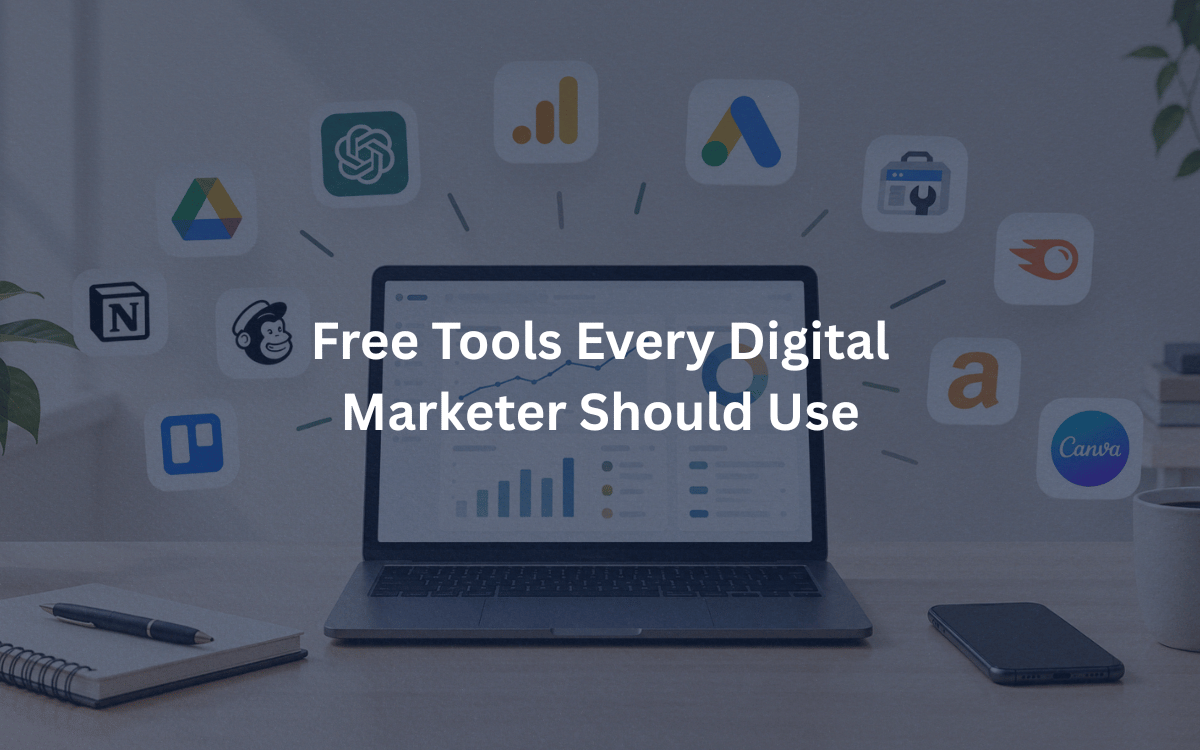
Ask ten marketers what tools they can’t live without and you’ll get ten different answers. Ask them what they used when they were just starting out, and most will say the same thing: whatever was free.
You don’t need an expensive software stack to run good campaigns. A handful of free tools can cover research, design, analytics, email and reporting. Here’s the toolkit I’d recommend to any beginner, grouped by what you’re trying to do.
Tools for Keyword and Audience Research
Google Keyword Planner
Built into Google Ads, it shows what people search for and roughly how often. You’ll need an account to use it, but you don’t have to spend anything on ads. It’s a great starting point for finding topics your audience cares about.
Google Trends
Want to know whether interest in a topic is rising or fading? Google Trends shows search popularity over time and by region. It’s especially handy for spotting seasonal patterns, like when searches for wedding photographers or diet plans spike.
AnswerThePublic and Ubersuggest
Both have free tiers with limited daily searches. AnswerThePublic turns a keyword into the questions people ask around it, which is perfect for blog ideas. Ubersuggest gives keyword ideas and a quick look at what competitors are ranking for.
Google Alerts
Set up an alert for your brand name, competitors or industry terms, and Google emails you when new content appears. It’s simple, and it saves hours on manual checking.
Tools for SEO
Google Search Console
If you only pick one SEO tool, make it this one. It shows which searches bring people to your site, which pages Google has indexed, and any errors holding you back. It’s data straight from Google, which no third-party tool can match.
PageSpeed Insights
Slow sites lose visitors and rankings. Paste in a URL and this tool scores your page speed on mobile and desktop, then lists specific fixes.
Yoast SEO (free version)
If your site runs on WordPress, Yoast helps you write better titles and meta descriptions and flags basic on-page issues. It won’t make decisions for you, but it’s a useful checklist while you write.
Screaming Frog (free version)
This desktop crawler scans up to 500 URLs and finds broken links, missing titles and duplicate content. Once you understand the basics, learning technical audits is a big step up. If you’d rather learn that in a classroom with a mentor, look for structured SEO classes in Ahmedabad that include live website audits.
Tools for Analytics and Tracking
Google Analytics 4
GA4 shows who visits your site, where they come from and what they do. It can feel overwhelming at first, so start with three reports: traffic sources, top pages and conversions.
Google Tag Manager
Instead of asking a developer to add tracking code every time, you manage all your tags in one place. It makes tracking button clicks and form submissions much easier.
Microsoft Clarity
This free tool records how visitors move around your pages and creates heatmaps of where they click and scroll. Watching a few real sessions will teach you more about your website than a week of guessing.
Google Campaign URL Builder
Adds UTM tags to your links so you know exactly which email, post or ad sent a visitor. Without it, your analytics will lump everything into vague categories.
Looker Studio
Connects to Analytics, Search Console, Google Ads and spreadsheets to build clean, shareable dashboards. Clients love a tidy report, and this makes creating one painless.
Tools for Design and Content
Canva
The free plan is plenty for social posts, carousels, thumbnails and simple presentations. You don’t need design skills, just consistent colors and fonts.
CapCut
A free video editor that makes short-form content easy. Captions, trimming and templates are all built in, which suits Reels and YouTube Shorts.
Grammarly and Hemingway Editor
Grammarly catches spelling and grammar mistakes. Hemingway highlights long, tangled sentences so your writing stays clear. Use both before hitting publish.
ChatGPT or Gemini (free versions)
AI assistants are handy for brainstorming headlines, outlining posts and summarizing research. Treat the output as a rough draft, though. Always add your own experience and check the facts.
Tools for Social Media and Email
Meta Business Suite
Schedule Facebook and Instagram posts, reply to messages and view basic insights from one dashboard.
Buffer (free plan)
If you manage a few accounts across different platforms, Buffer’s free tier lets you schedule a limited number of posts to each channel.
Mailchimp (free plan)
Great for learning email marketing. You can build a small list, design newsletters and set up simple automations, all without paying until your audience grows.
Tools for Organization and Sales
Trello or Notion
Both are excellent for content calendars and project tracking. Trello is visual and simple, while Notion works well as a combined notes and planning space.
HubSpot Free CRM
Tracks leads, contacts and conversations in one place. If you’re moving toward client work or sales roles, understanding how a CRM works is a real advantage. Some people even pair this hands-on practice with a business development certification to strengthen their profile for agency and sales-focused jobs.
How to Avoid Tool Overload
The biggest mistake beginners make is downloading everything at once. Pick two or three tools that solve a problem you have today. Learn them properly, then add more.
A simple starter stack looks like this:
- Research: Google Trends and Keyword Planner
- SEO: Search Console and PageSpeed Insights
- Analytics: GA4 and Looker Studio
- Content: Canva and Grammarly
- Email: Mailchimp
Tools only help if you understand the strategy behind them. A heatmap means nothing without knowing what a good conversion rate looks like, and keyword data is useless without understanding search intent. That’s why practice matters more than the software itself.
Final Thoughts
Free tools have levelled the playing field. A student with a laptop can now access the same core data that big agencies use. Start small, experiment on a real project, and measure what happens.
If you want guided, hands-on practice with these tools, joining a digital marketing course in Ahmedabad that offers live projects can help you move from theory to real results faster.
Which of these tools will you try first? Pick one this week and spend an hour with it. You’ll learn more than you expect.